
Gaming
How to Play Valorant On A Low-End PC Without Graphic Card?

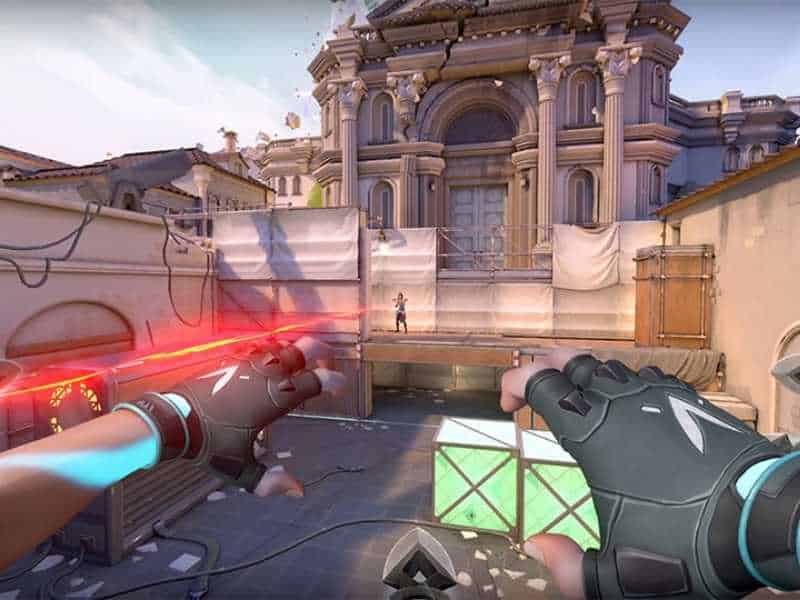

Step 1: Launch Valorant and head over to General Settings and turn off show corpses and show blood options.
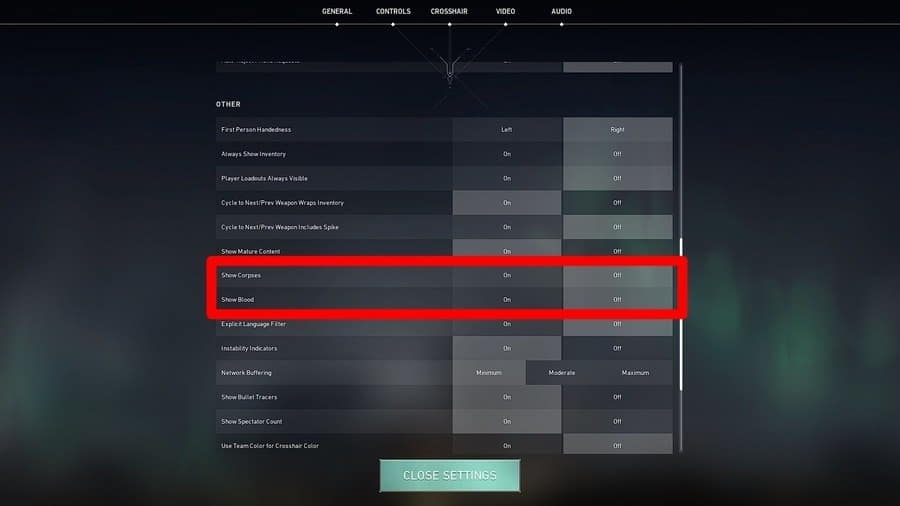
Credit: Fossbytes
Step 2: Now, open the video settings, set the display mode to Full Screen, and set the resolution to 1280×720.
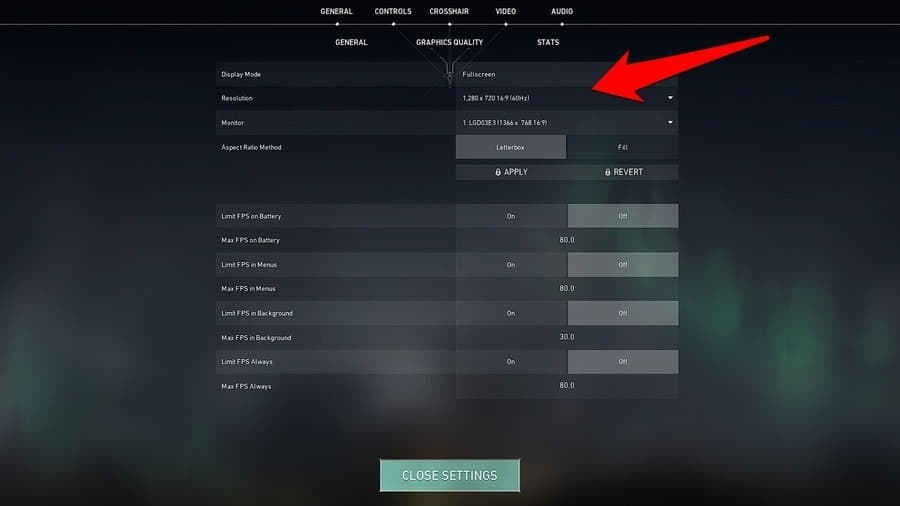
Credit: Fossbytes
Step 3. After that, go to the graphics quality section, and set all the options to the least possible value to get a better playable FPS.
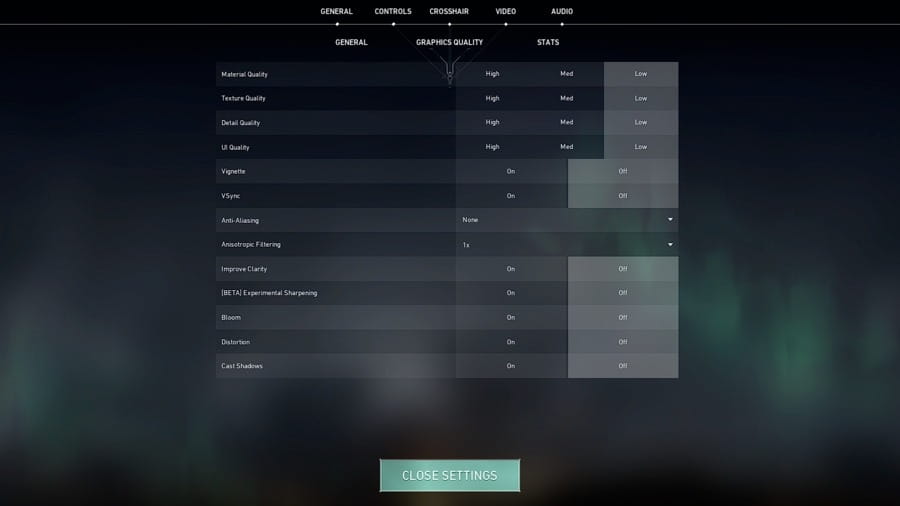
Credit: Fossbytes
These are the best settings to play Valorant on a low-end PC without a graphic card. Moreover, we will not recommend users to go below the mentioned settings. Otherwise, you will face quality issues.
Â
This is the guide on How to Play Valorant On a Low-End PC without Graphic Card.Â
That’s all for this article. Keep Stalking TechBurner For More Stuff.