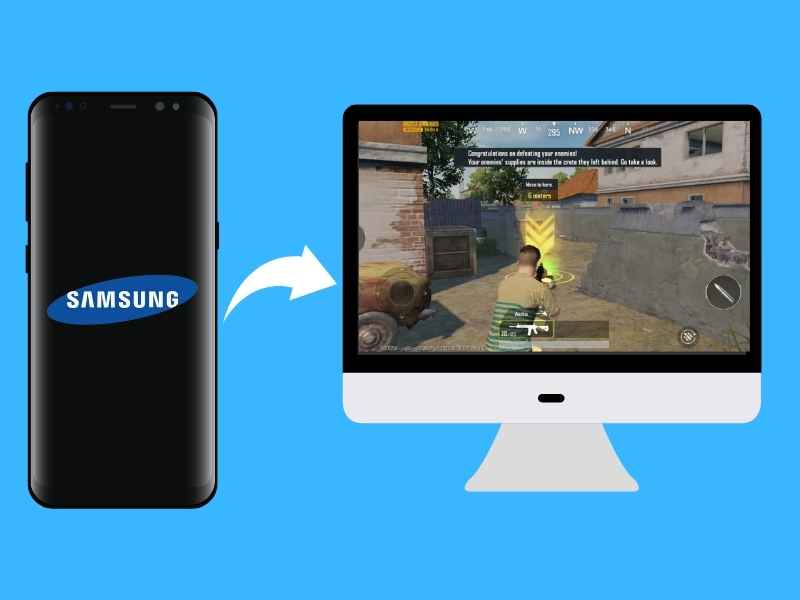
Step 1. Connect your smartphone to USB to HDMI adaptor with USB-C to HDMI cable.
Â
Step 2. Now, connect the display with the smartphone with the help of the USB to HDMI adaptor.
Â
Â
Step 4. Now, connect USB-C to USB-A cable with the monitor to USB to the HDMI adaptor.
Â
Step 5. After connecting, you will see an option called Use your phone to unlock.
Â
Step 6. Click on Use your phone to unlock, and enter the PIN or Password.